Configurations
Every setting on the Configurations page, with the exact wording you'll see on screen
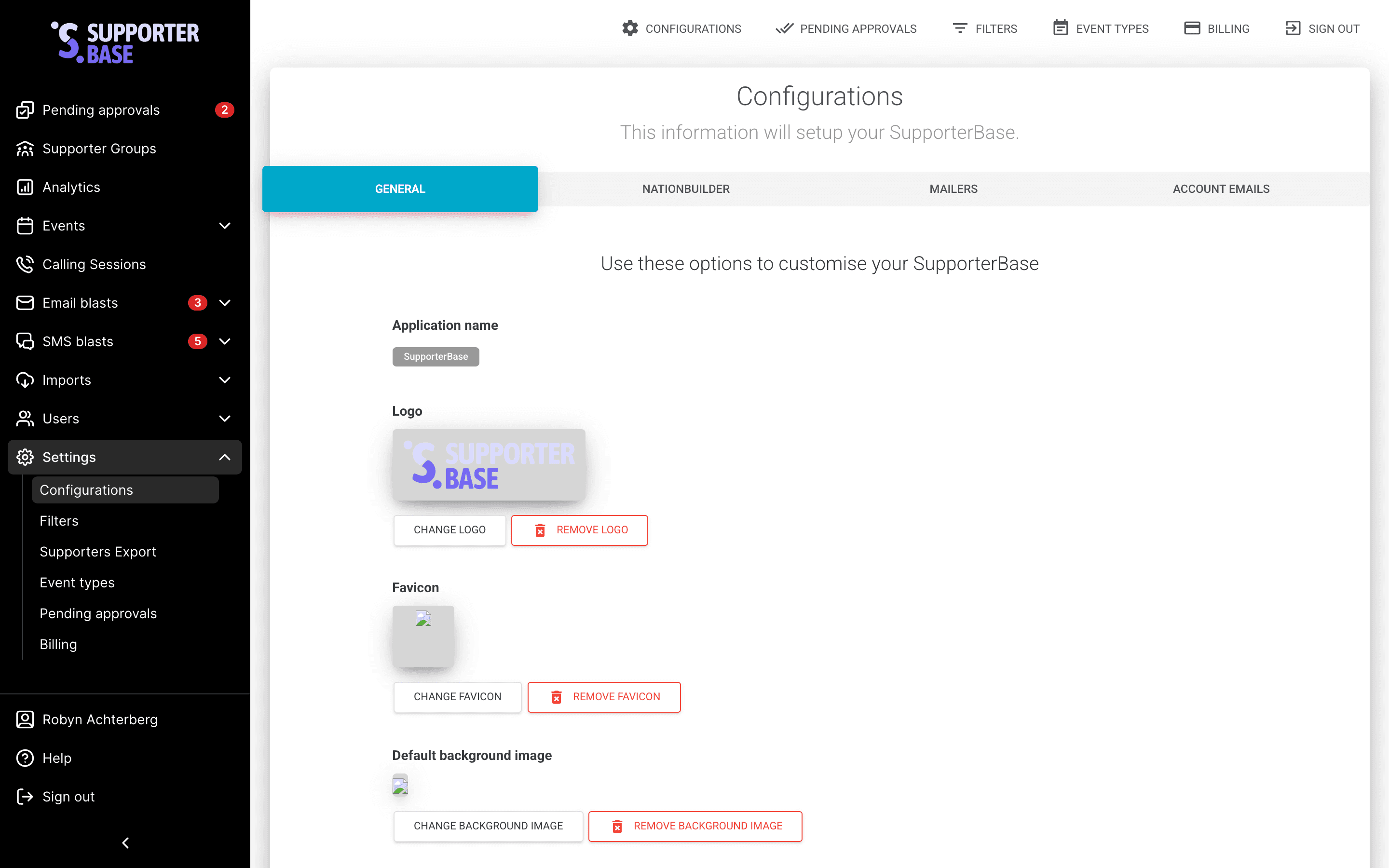
Settings > Configurations is where an admin sets how SupporterBase looks and behaves for your whole organisation. The page has four tabs — General, NationBuilder, Mailers and Account emails — and the General tab holds most of the settings in one long list, worded below as they appear on screen.
Admins only
Only admins can reach Configurations. Captains and vice-captains see the results of these settings but can't change them.
Branding and basics
| Setting | What it does |
|---|---|
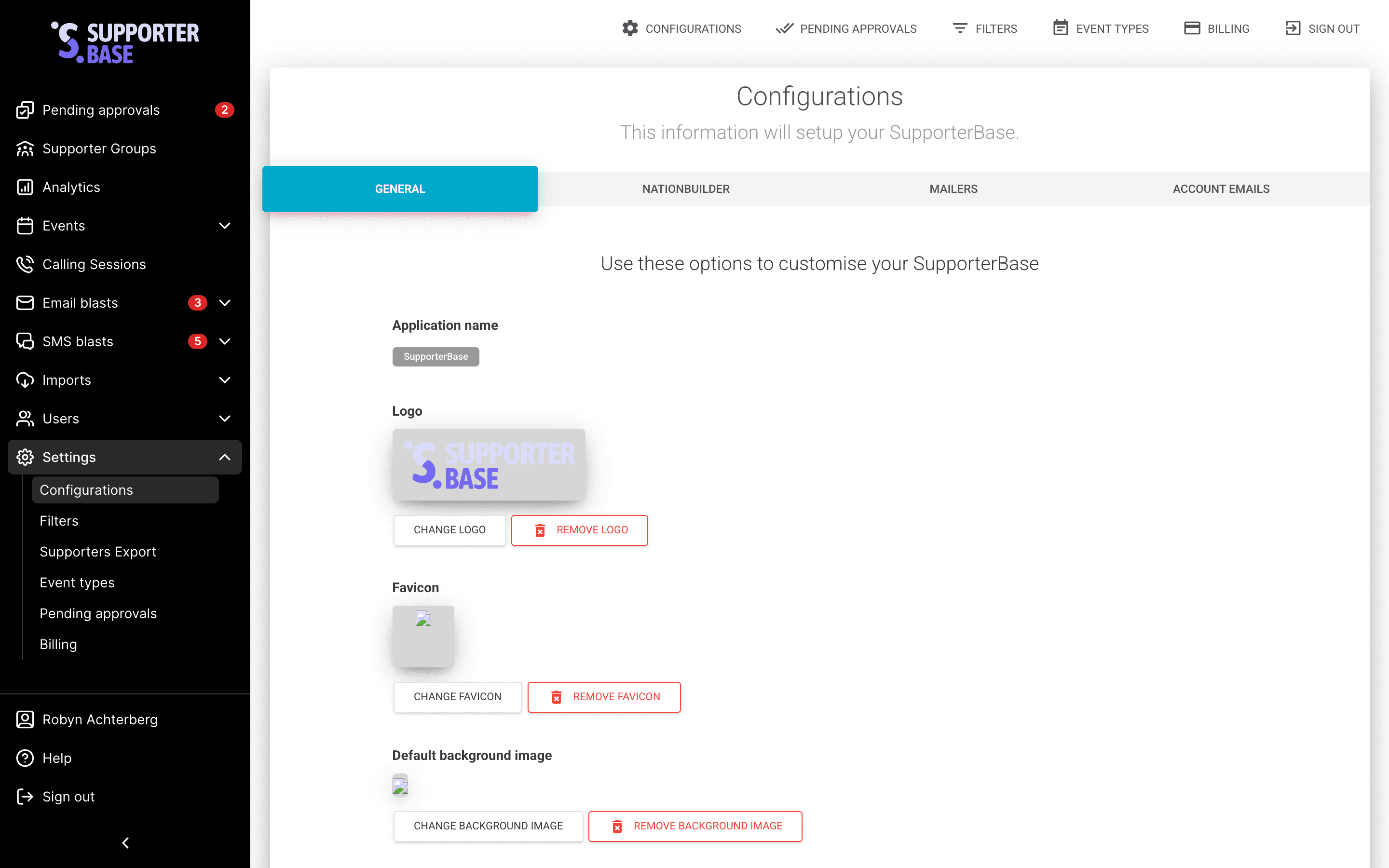
| Application name | The name shown throughout the app and in emails |
| Logo | Your logo in the sidebar and on public pages |
| Default background image | The image behind the sign-in screen |
| Sidebar color | Hex colour for the left-hand navigation |
| Country | Default country for addresses and phone numbers |
| Primary support email | Where supporters are told to go for help |
| Primary contact emails | Internal addresses for system notifications |
| Minimum time between calls | How long before the same supporter can be called again |
| Default group page content | The content added to the public calendar page for each new group. See Public pages |
Supporter data and permissions
Who can see supporter data
These settings control how much personal data your group leaders can see, and they bear directly on supporter trust.
| Setting | Effect when on |
|---|---|
| Captains and vice-captains can see email addresses of supporters in groups they lead | Leaders see full email addresses. When off, they see masked ones |
| Captains and vice-captains can see phone numbers of supporters in groups they lead | Leaders see full phone numbers. When off, they see masked ones |
| Captains and vice-captains can see birthdate of supporters in groups they lead | Birthdates become visible on supporter profiles |
| Captains and vice-captains can see occupation of supporters in groups they lead | Occupation becomes visible on supporter profiles |
| Show all tags on supporter profiles | Leaders see every tag, including those with no tag filter |
Editing is separate from seeing
Captains can edit supporter email addresses, phone numbers and mobiles in groups they lead controls editing, and its hint reads "They will only see masked versions of these data values unless the option to show emails or phone numbers is also enabled." A captain can be allowed to edit a value they only ever see masked.
What leaders can do
| Setting | Effect when on |
|---|---|
| Captains and vice-captains can add new supporters to their groups | Leaders can grow their own lists |
| Captains and vice-captains can filter supporters in their groups by city / suburb | Adds location filtering for leaders |
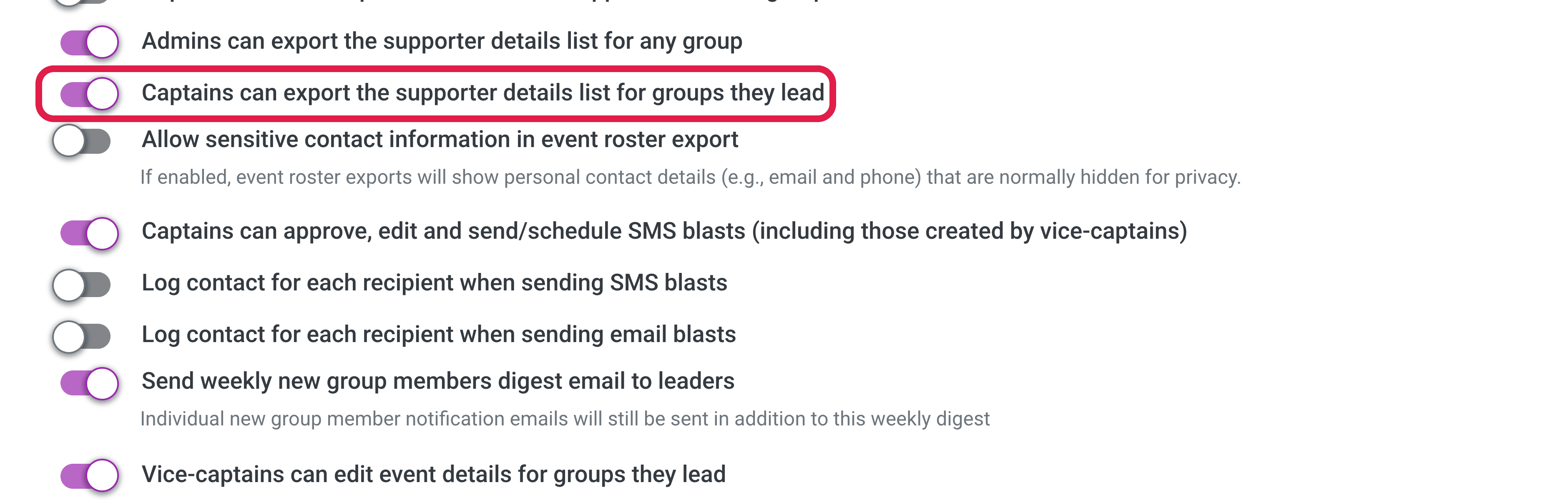
| Captains can approve, edit and send/schedule SMS blasts (including those created by vice-captains) | Captains send without waiting on an admin |
| Vice-captains can edit event details for groups they lead | Extends vice-captains beyond drafting, for events |
| Vice-captains can edit the content on public group pages for groups they lead | Extends vice-captains beyond drafting, for public pages |
| Allow admins to configure a different sender email for each group | Useful where groups have distinct identities |
| Send weekly new group members digest email to leaders | The Monday summary of who joined. Its hint notes individual notifications still send as well. See Weekly new group members digest |
| Keep my group leaders tagged | Sits in a separate expandable section headed Tag your group leaders, badged Beta, with fields for Captain tags, Vice-captain tags and Admin tags. See Tag your group leaders automatically |
Exporting supporter data
- Admins can export the supporter details list for any group — admins can export from any group.
- Captains can export the supporter details list for groups they lead — captains can export their own groups.
- Allow sensitive contact information in event roster export — roster exports include email and phone, which are otherwise hidden.
All three are off by default. See Export supporters.
Contact logging and data quality
| Setting | Effect when on |
|---|---|
| Log contact for each recipient when sending SMS blasts | Every recipient gets a contact record |
| Log contact for each recipient when sending email blasts | As above, for email |
| Show "call was connected" checkbox in contact logging forms | Callers can record whether the call actually connected |
| Show 'Add to call list' option in log contact form | Callers can add a supporter to a call list while logging |
| Show all events in the dropdown field for RSVP forms | Leaders can RSVP supporters to events outside their own group |
| Restrict the address autocomplete to the default country when setting group and event addresses | Keeps addresses standardised to your country |
| Send SMS messages to mobile numbers that have been entered as the supporter's home phone by mistake | Catches mobiles saved in the wrong field |
| Only display supporters with a level of engagement applied to their profile | Hides supporters who haven't been categorised |
| Apply NationBuilder contact preferences and unsubscribes in addition to SupporterBase contact preferences and unsubscribes | Honours opt-outs recorded in your nation as well |
Security and terms
- What Two factor authentication (2FA) mode would you like to apply to your SupporterBase? — set Optional or Required for all users. See Set up 2FA.
- Require all admins and leaders to accept a custom terms of use statement before they are able to access SupporterBase — gates access behind your terms.
- Terms of use headline, Terms of use declaration, Terms of use content and Terms of use page — the wording people accept.
The other tabs
- NationBuilder holds your nation slug and connection, plus the embedded form snippets. If you see Reconnection required here, reconnect the nation. See NationBuilder configurations.
- Mailers holds your email and SMS provider credentials and the Mailbox enabled toggle, which controls whether you can receive supporter emails at all. See the inbox and mailbox.
- Account emails holds the wording of invitation, password reset and account unlock emails, with the variables available to each.