

Analytics and blast results
Track and analyze engagement metrics, blast results, and supporter activity
Analytics show how your supporter base is growing and how your communications are performing. Admins see figures for the whole platform, and captains and vice-captains see figures for the groups they lead.
For admins
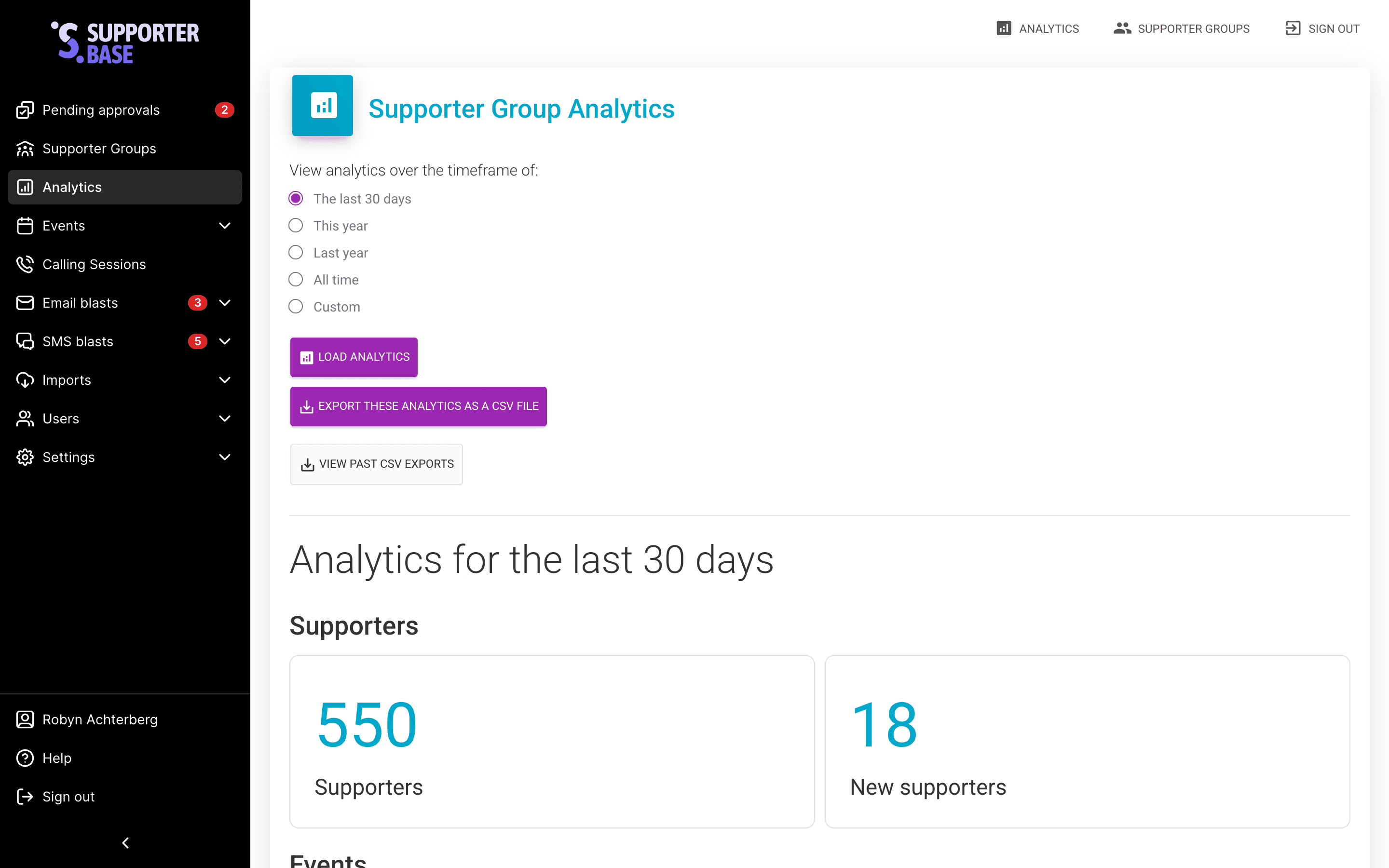
Admins can access analytics from the Analytics menu item on the left-hand navigation.
- Get a platform-wide view of new supporters, events created, and communications sent.
- Choose from custom date ranges (e.g. this week, last 90 days, all time).
- Download a CSV that breaks results down per group, making it easy to compare performance and track trends over time.
For captains and vice-captains
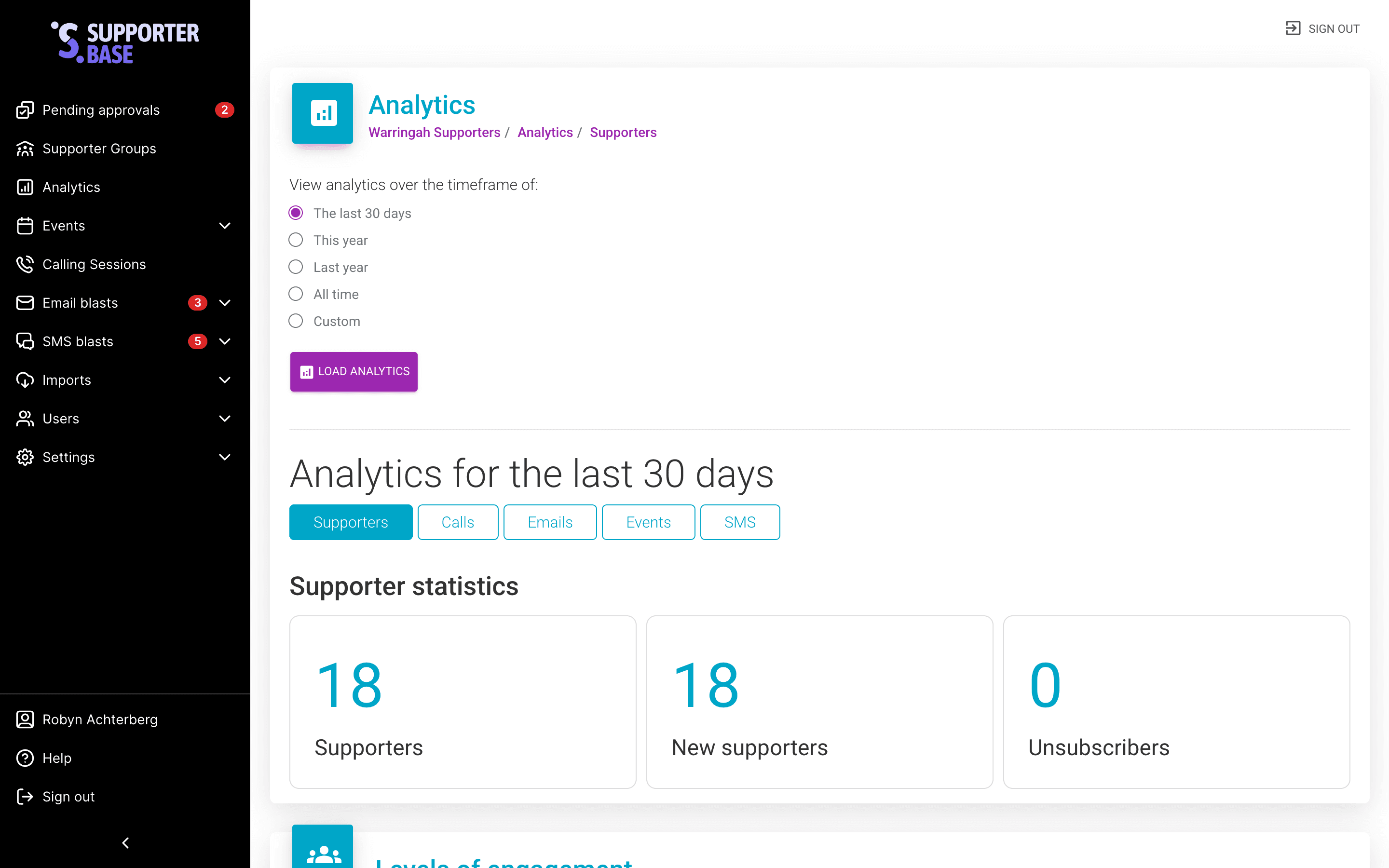
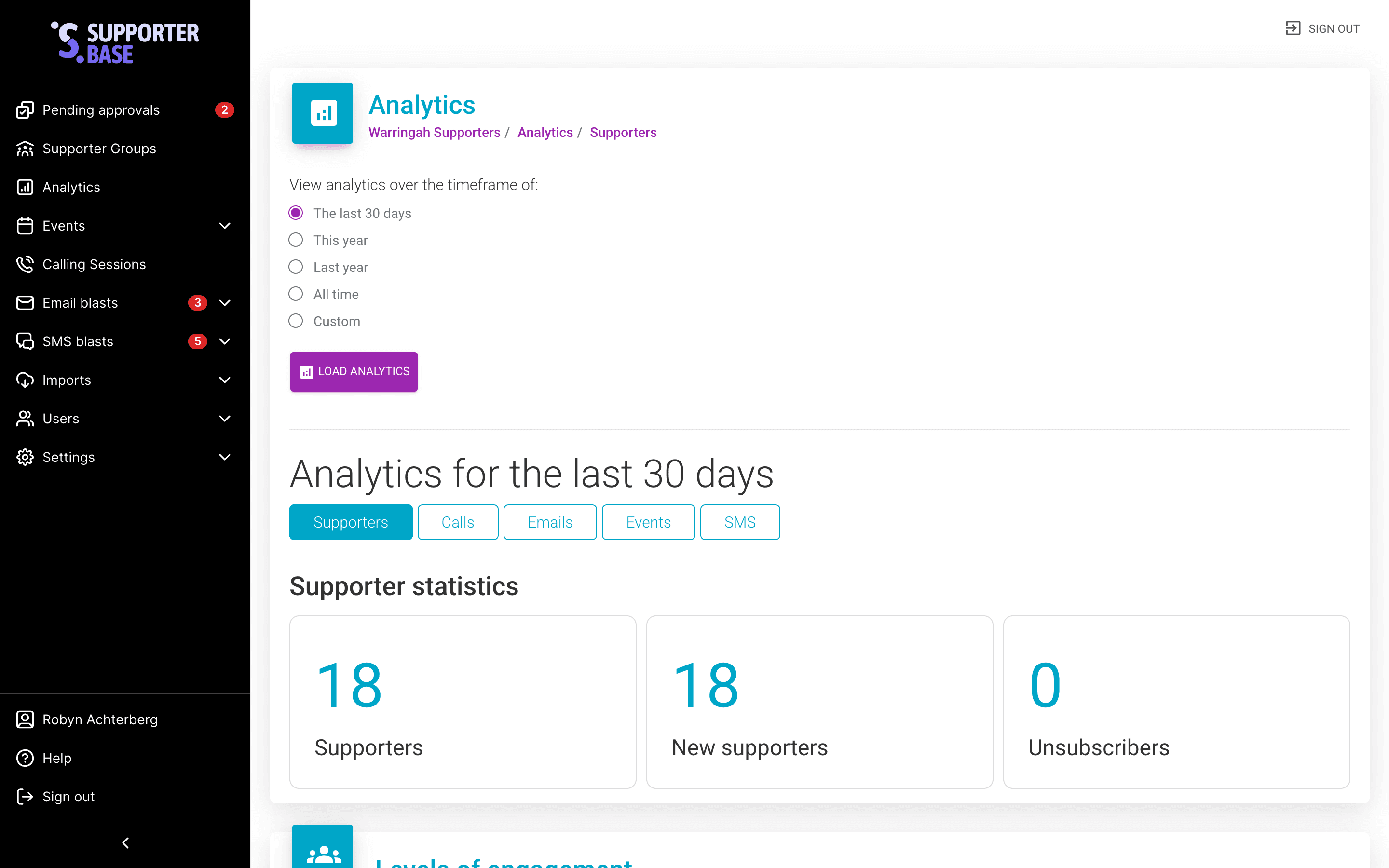
Each group has its own Analytics tab in the horizontal menu. This shows:
- Supporter growth and engagement levels within the group.
- Results for calls, emails, SMS, and events.
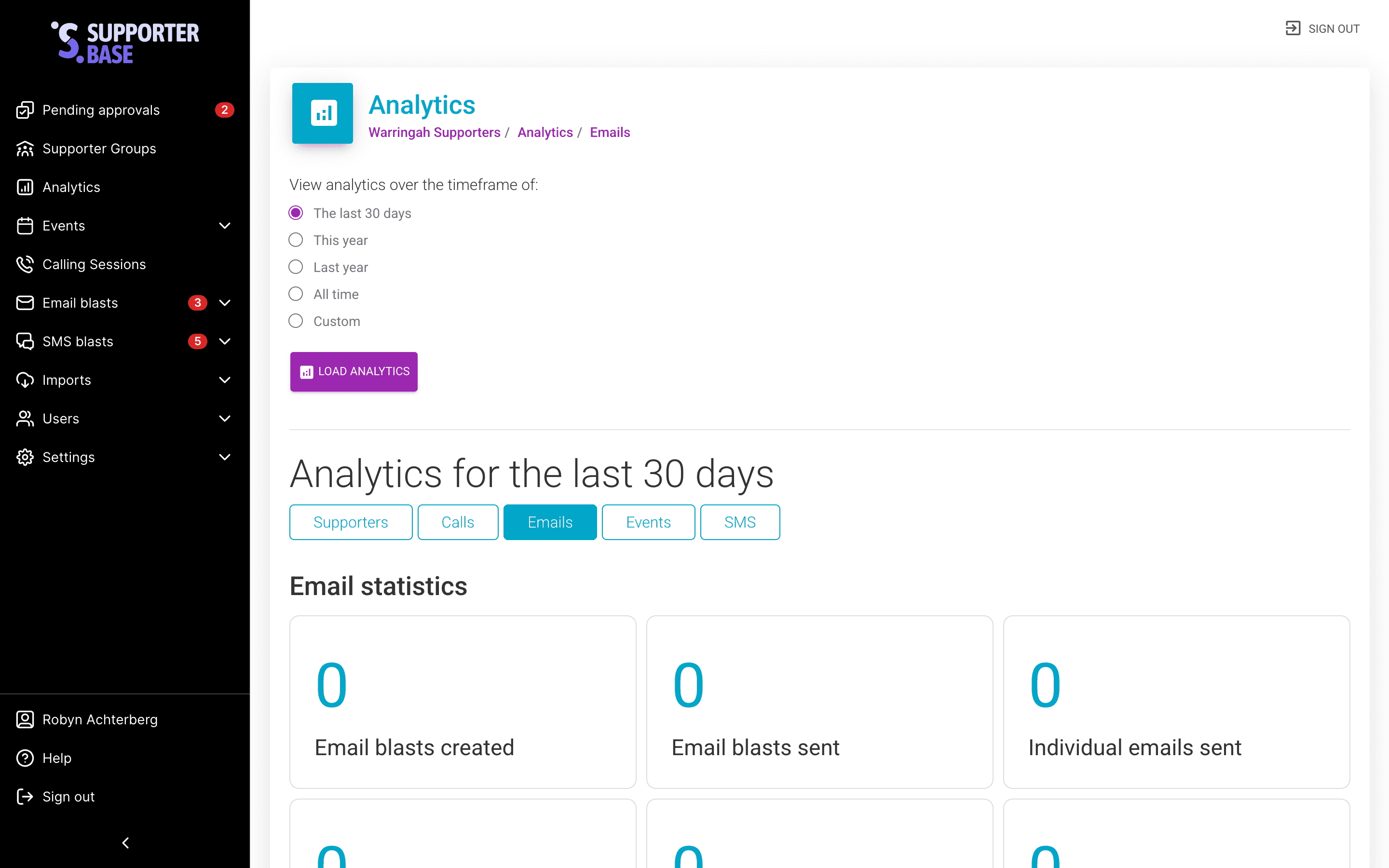
- Blast results (email and SMS).
- Event attendance figures.
Data can be filtered to any timeframe, from the last week to all time.
Detailed email blast statistics
After sending a bulk email, you can drill into delivery stats to see how it performed. For each email you will find:
- Total number of recipients
- Open rates (how many people opened the email)
- Click-through rates (how many clicked a link)
- Unsubscribes
- Spam reports
Opening the stats for one blast
Open the blast list
In the left-hand menu, click Email blasts > Email blasts. You will see a list of sent emails, identified by their subject line.
Open one blast
Click View next to the email you want to explore.
SMS blast stats
SMS blasts provide simpler stats. You will see the number of recipients and can also access the recipient list.